A session manager for Claude Code and Codex
Stop losing your
AI coding sessions.
makit finds every session on your machine, shows which ones are waiting for you, and picks any of them back up in one click, even after the terminal is gone.
Universal package (Intel + Apple Silicon), about 15 MB · latest v0.1 · unsigned: allow it manually on first launch
Native, light (7.7 MB), good-looking (21 themes). Local, nothing uploaded.
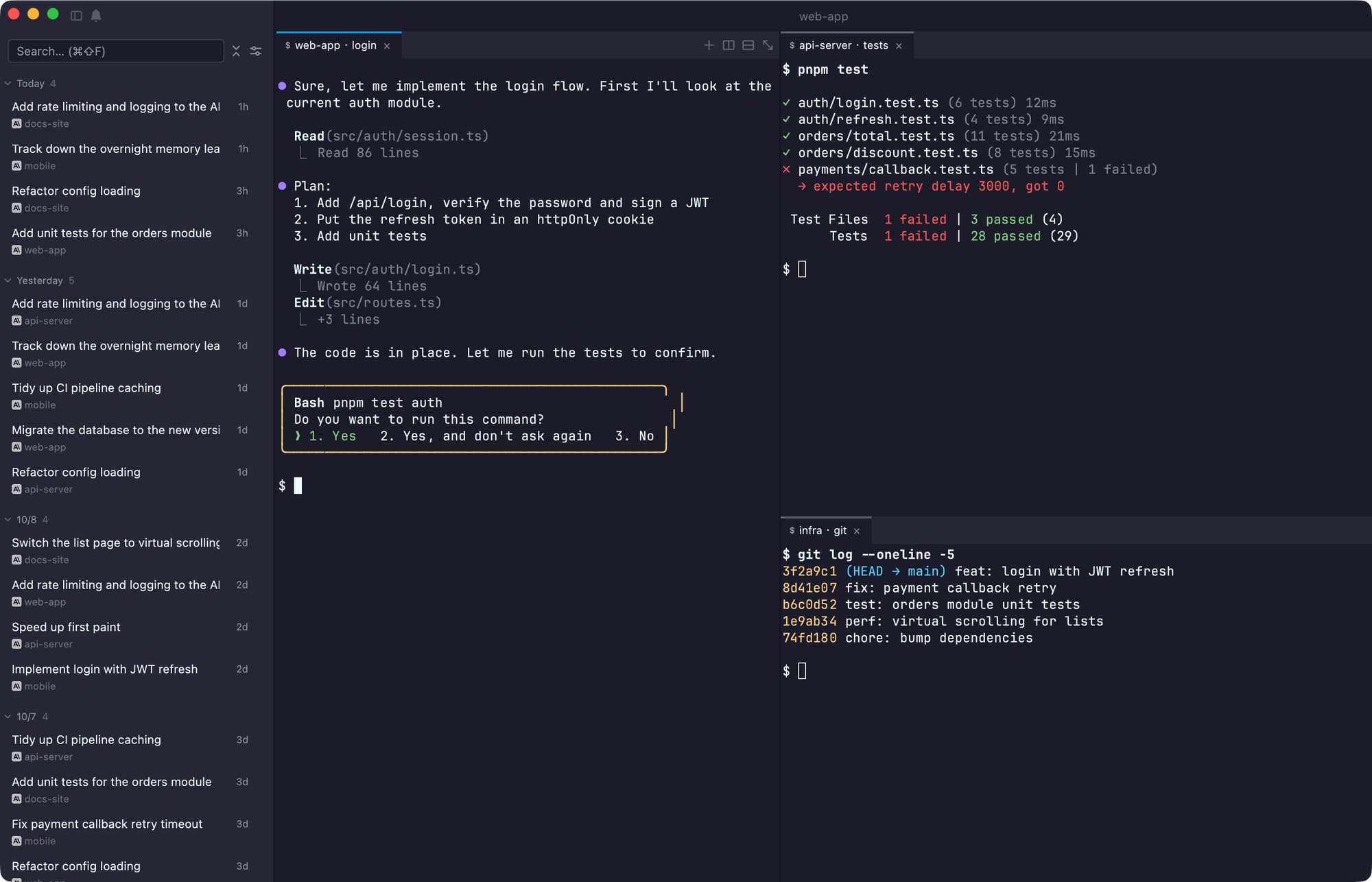
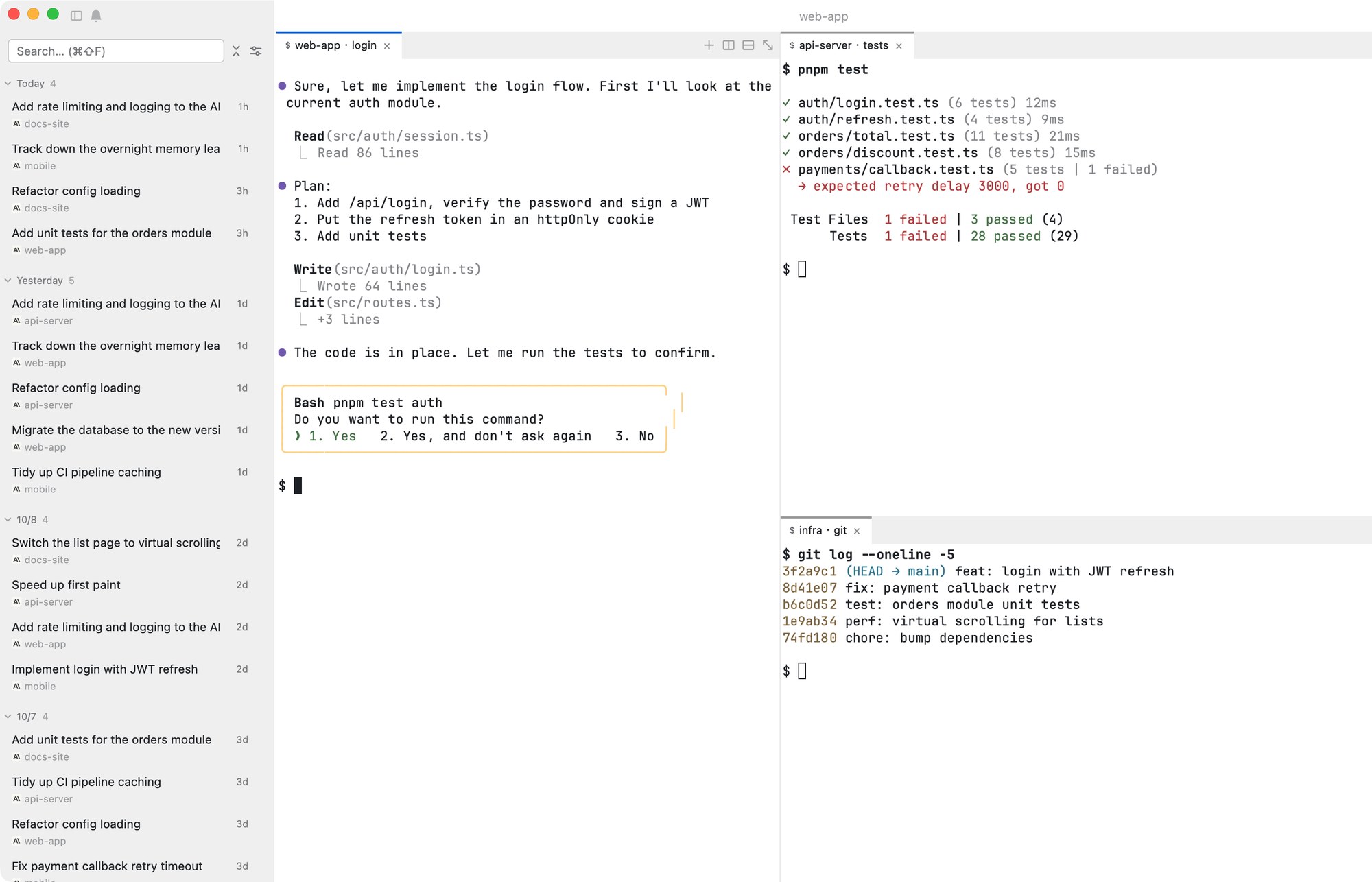
See it
⌘K, type a few letters, Enter. The session opens in a new tab, in its original directory.⌥⌘1…9 and tabs with ⌘1…9; open more sessions with ⌘K.Why makit
An AI coding session is a conversation that lives in a terminal window. Close the window, rename the folder, restart the Mac, and the conversation is still on disk, but nothing points at it any more. makit changes the unit: the session is the object, not the window. It reads the session files Claude Code and Codex already write, so every session is listed whichever terminal it was started in.
| Unix job control | makit |
|---|---|
jobs: list the jobs and their state | The session list: running / waiting for you / idle / stopped / archived |
Stopped (tty input): stuck waiting for you | Waiting for approval / an answer, with a notification |
fg %n: bring one back | One-click resume, in its original directory |
| Close the terminal and the job is gone | The record is on disk: it survives the window, a restart, a renamed folder |
What it does
- Never lose a sessionScans
~/.claudeand~/.codex, groups by project or state, and searches across all of them. Sessions started in any terminal show up. - Know who is waitingA state dot on every session, and a desktop notification when one needs approval or an answer (Claude Code, hook installed from Settings).
- Pick up where you left offResume in the original directory. If it was deleted or moved, makit rebuilds the link so a Claude Code session is not lost.
- Read it back, reflowedExperimental, off by default. History is re-laid out from the session file as you resize; the live part stays a real terminal.
- Split terminalsTree-style splits you resize by dragging, to keep an eye on several sessions.
- Local and privateReads session files on your machine. No account, no telemetry, nothing uploaded.
- Native and lightRust + GPUI, not a wrapped web page. About 55–75 MB of memory, 5,000 sessions listed in under a second.
- 21 themes, English / 中文Themes follow the system light / dark setting; iTerm2 colour schemes can be imported.
- Updates built inChecks for a new version and replaces itself in place, or
brew upgradeif you installed with Homebrew.
Themes
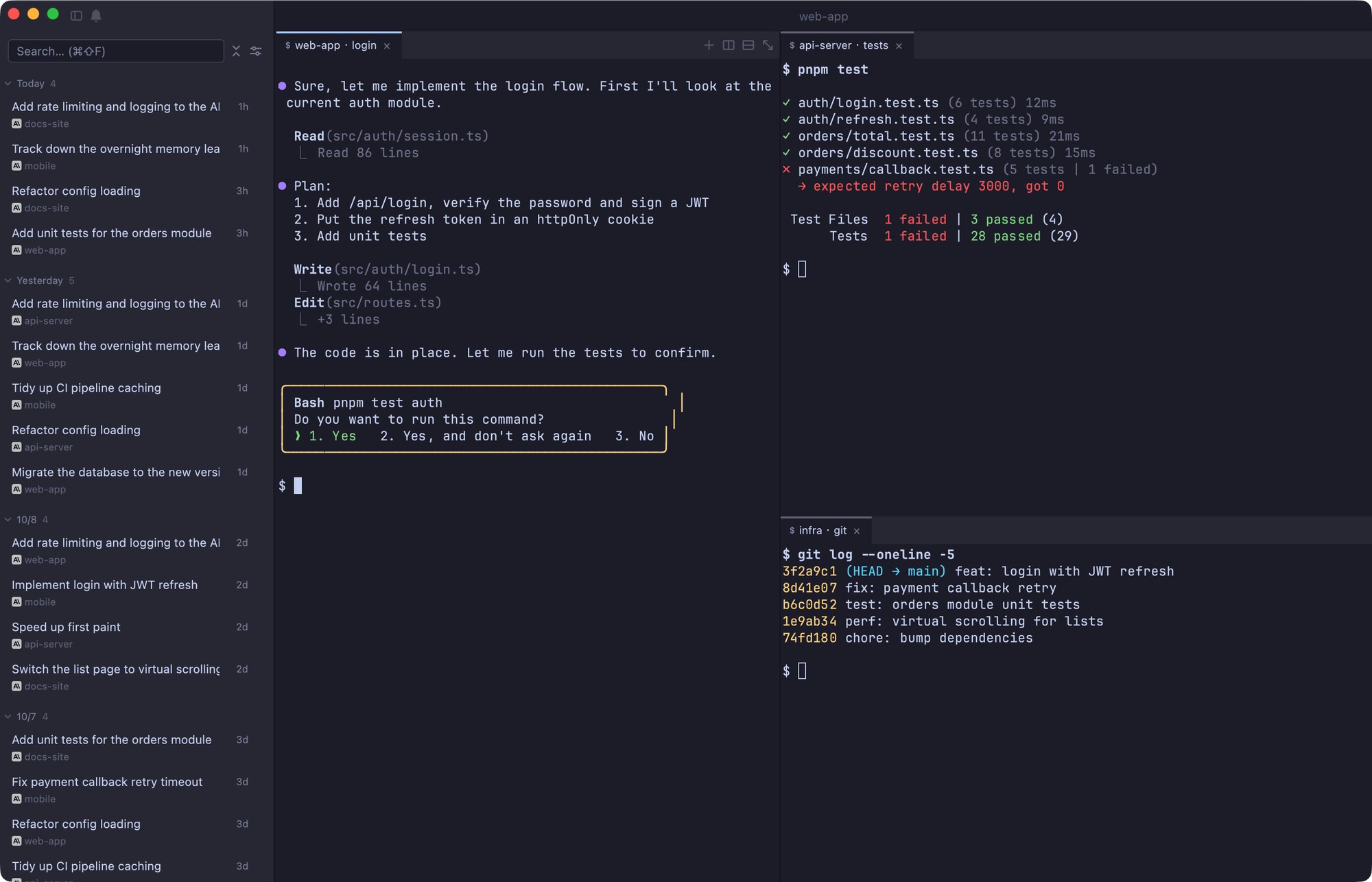
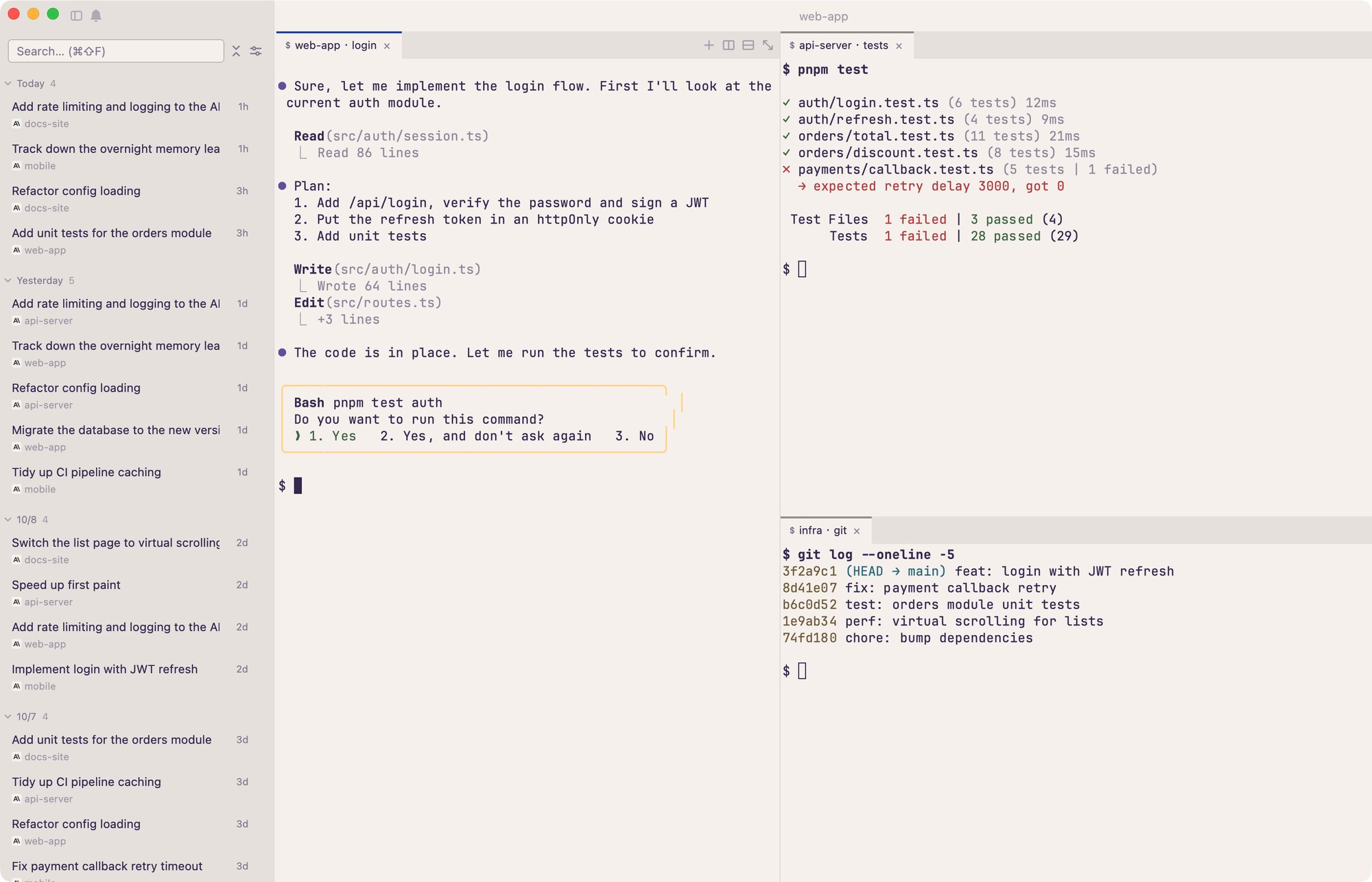
Install
macOS is the main build. Windows is a preview, Linux is planned for 0.3.
macOS
Download the .dmg, open it and drag makit into Applications.
-universal works on every Mac; Apple Silicon and Intel builds are about half the size.
Homebrew
brew install --cask nicholas-hoult/tap/makitWindows (preview)
A .zip with makit.exe, unsigned, and some features are still placeholders. Windows SmartScreen asks once: More info → Run anyway.
xattr -dr com.apple.quarantine /Applications/makit.app. Updates downloaded inside the app are not blocked again.Performance
Synthetic sessions, Intel Core i7-1068NG7, release build, single architecture. Full data, method and limits are in the README.
| Metric | Measured |
|---|---|
| Installer (.dmg, single architecture) | 7.7 MB |
| Session list ready, 5,000 sessions | 0.6–0.9 s |
| Memory in use | 55–75 MB |
| Each new record in a long conversation (5–200 MB) | ≈ 0.04 ms |
FAQ
How is this different from a terminal or a multiplexer?
makit does include split terminals, but it is organised around sessions, not windows: it lists sessions started anywhere, keeps their history, and tells you which one is waiting. Use it alongside the terminal you like.
Which agents are supported?
Claude Code and Codex. Status and notifications are Claude Code only for now; Codex sessions can be listed and resumed.
Does it upload my sessions?
No. It reads local files. The update check only requests version information; nothing about your sessions, paths or projects is sent.
What does it read and write on my machine?
It reads ~/.claude/projects, ~/.claude/sessions and ~/.codex/sessions. Its own data is in ~/.claude/makit. It touches ~/.claude/settings.json only when you click “Install hook”. The README lists everything.
If I delete makit, do I lose my sessions?
No. The sessions belong to Claude Code and Codex and stay where they are. Deleting ~/.claude/makit only removes makit’s own settings and archive marks.
Why is it not signed?
There is no Apple developer account yet. The steps to allow it on first launch are in “Install”. Updates downloaded inside the app are not blocked again.
Windows and Linux?
Windows has a preview build from 0.1.5 (it runs, but some features are placeholders). Linux is planned for 0.3.
Is it free?
Yes. It is open source, dual-licensed MIT or Apache-2.0.
Get makit
Free and open source.